












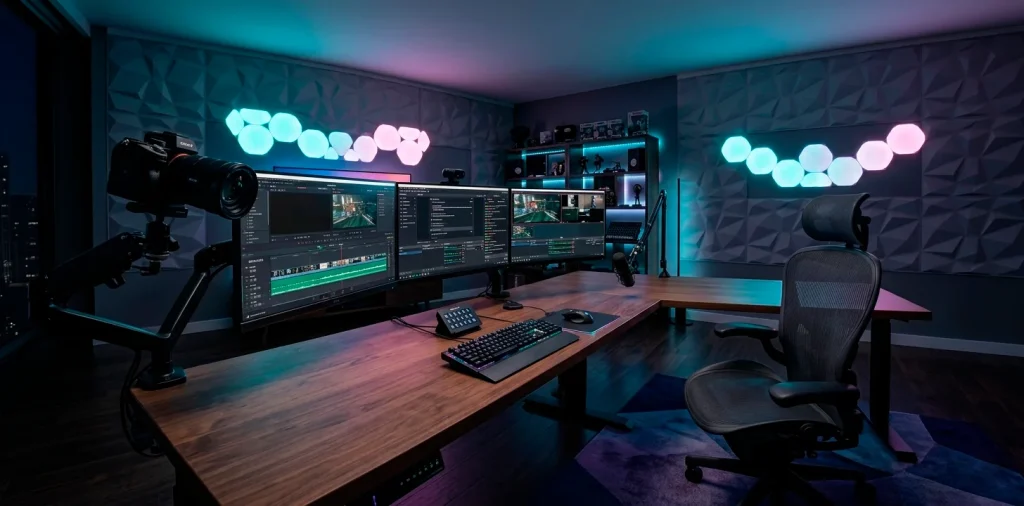

You finally decided to take the plunge into content creation, but your current setup looks more like a 1990s cubicle than a high-end studio. Stop settling for grainy video and echoing audio. I’ve spent way too many hours (and dollars) perfecting my own space, and I’m here to help you skip the trial and error. Let’s build a room that actually inspires you to hit that record button.
The Foundation: Your Command Center
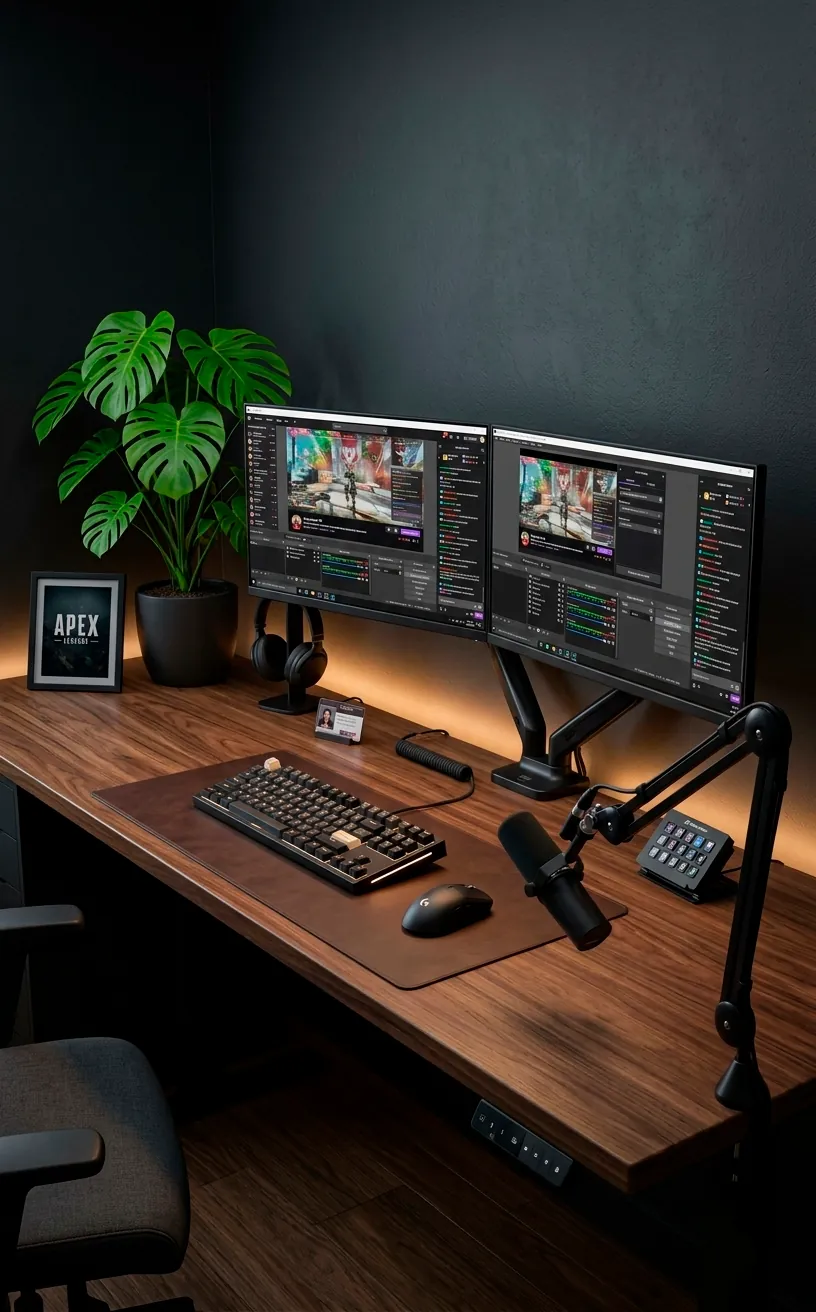
Everything starts with the desk, and IMO, size actually matters here. You need enough real estate for multiple monitors, a dedicated mic arm, and the inevitable coffee mugs that accumulate during an eight-hour stream. I highly recommend a solid wood or high-density laminate surface to handle the weight of heavy monitor arms without sagging like a wet noodle. IMO, a motorized standing desk is a total game changer for your posture and energy levels.
Essential desk features:
- Heavy-duty steel frame for zero wobble.
- Integrated cable management trays.
- At least 60 inches of width for dual-monitor setups.
- Smooth, matte finish to prevent annoying mouse sensor skips.
If you want to go the extra mile, consider how a natural wood grain looks on camera. It adds a touch of warmth that screams “professional adult” rather than “basement dweller.” You might even want to check out this bamboo standing desk vibe for a cleaner, more organic look.

Lighting: Why You Look Like a Ghost
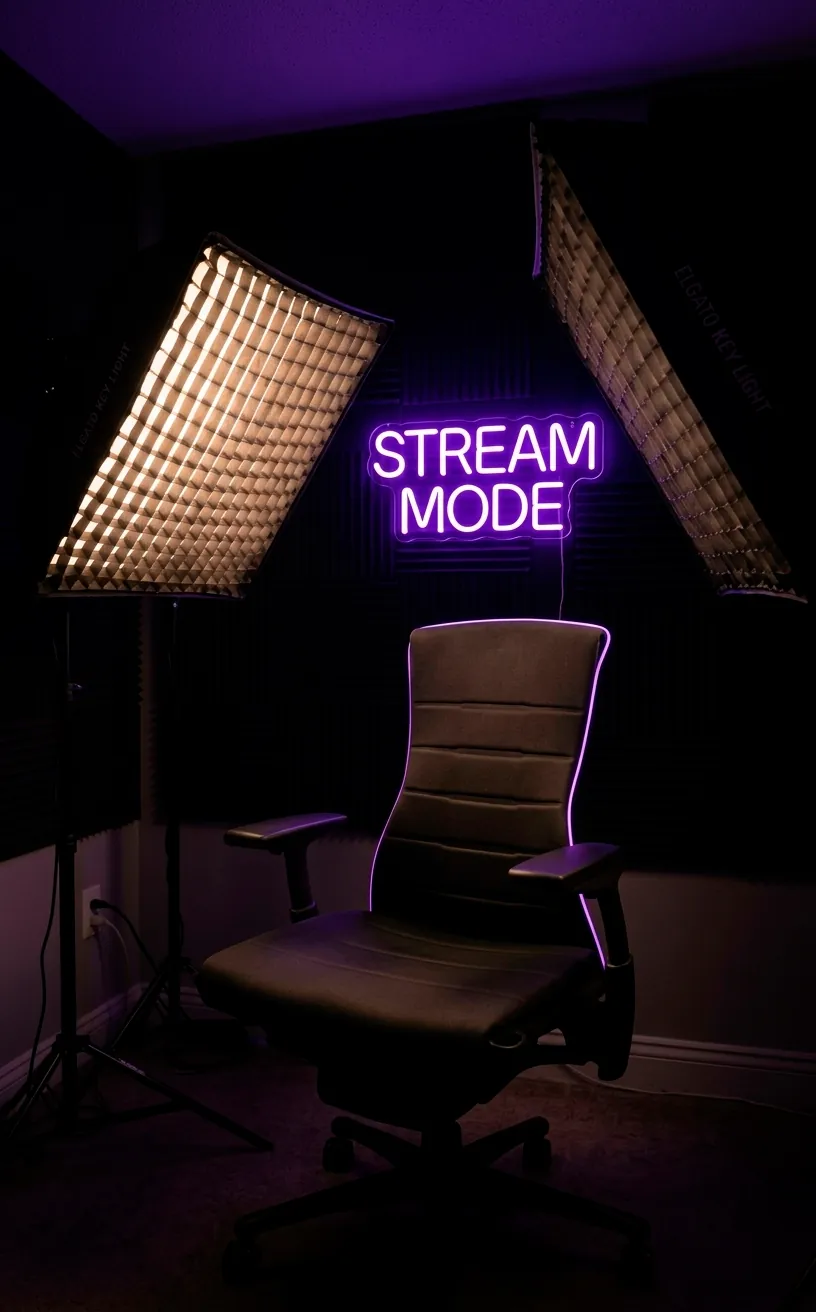
Ever noticed how some streamers look like they’re glowing while you look like a character in a low-budget horror flick? It’s all about the Three-Point Lighting setup. You need a powerful key light to illuminate your face, a fill light to soften those harsh shadows, and a backlight (or rim light) to separate you from the background. Stop relying on that dusty ceiling fan light! It’s doing you zero favors. Invest in some quality LED panels with adjustable color temperatures so you can match your skin tone perfectly. Trust me, your viewers will thank you for not looking like a literal orange. 💡
Audio is King: Kill the Echo
People will tolerate 720p video, but they’ll bail in seconds if your audio sounds like you’re recording inside a tin can.
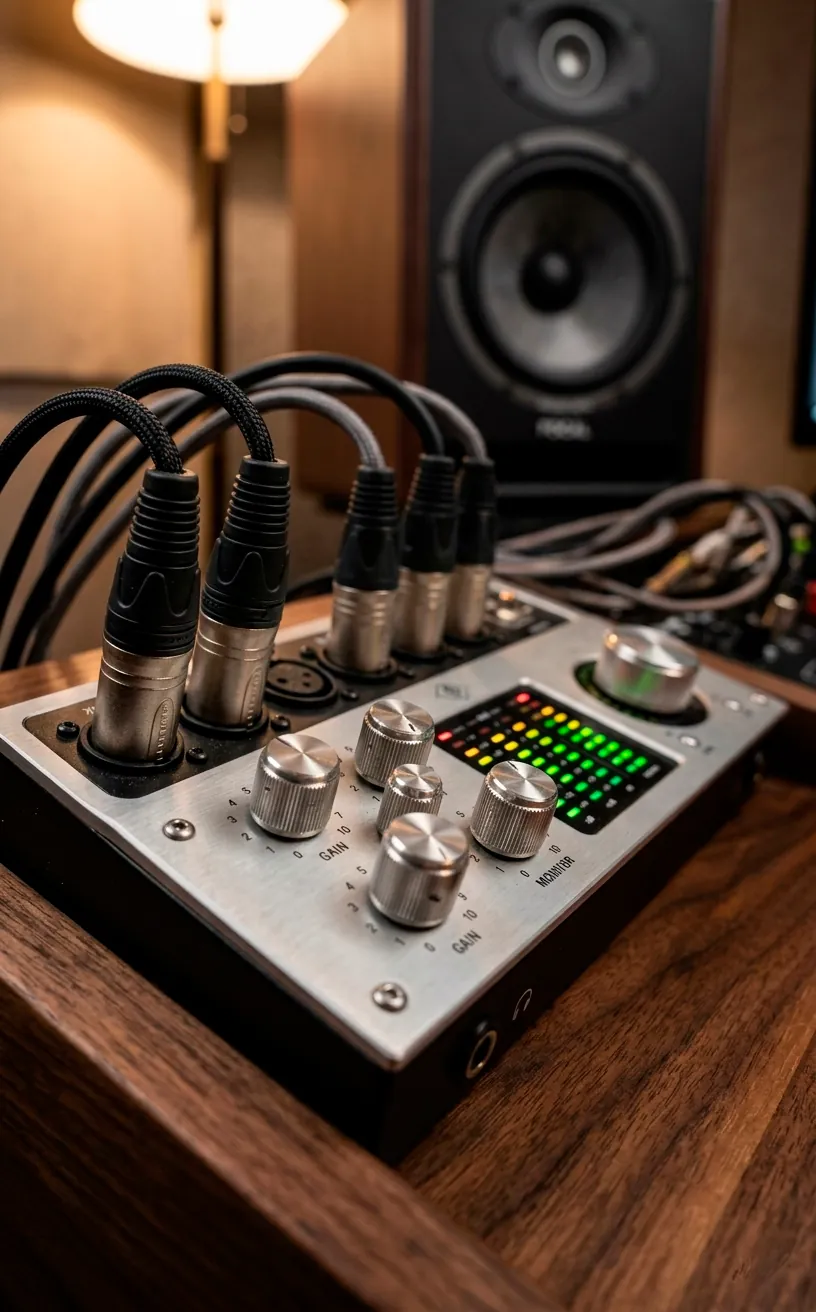
First, grab a dynamic XLR microphone. Unlike condenser mics, dynamic ones are great at ignoring your neighbor’s lawnmower or your loud mechanical keyboard.
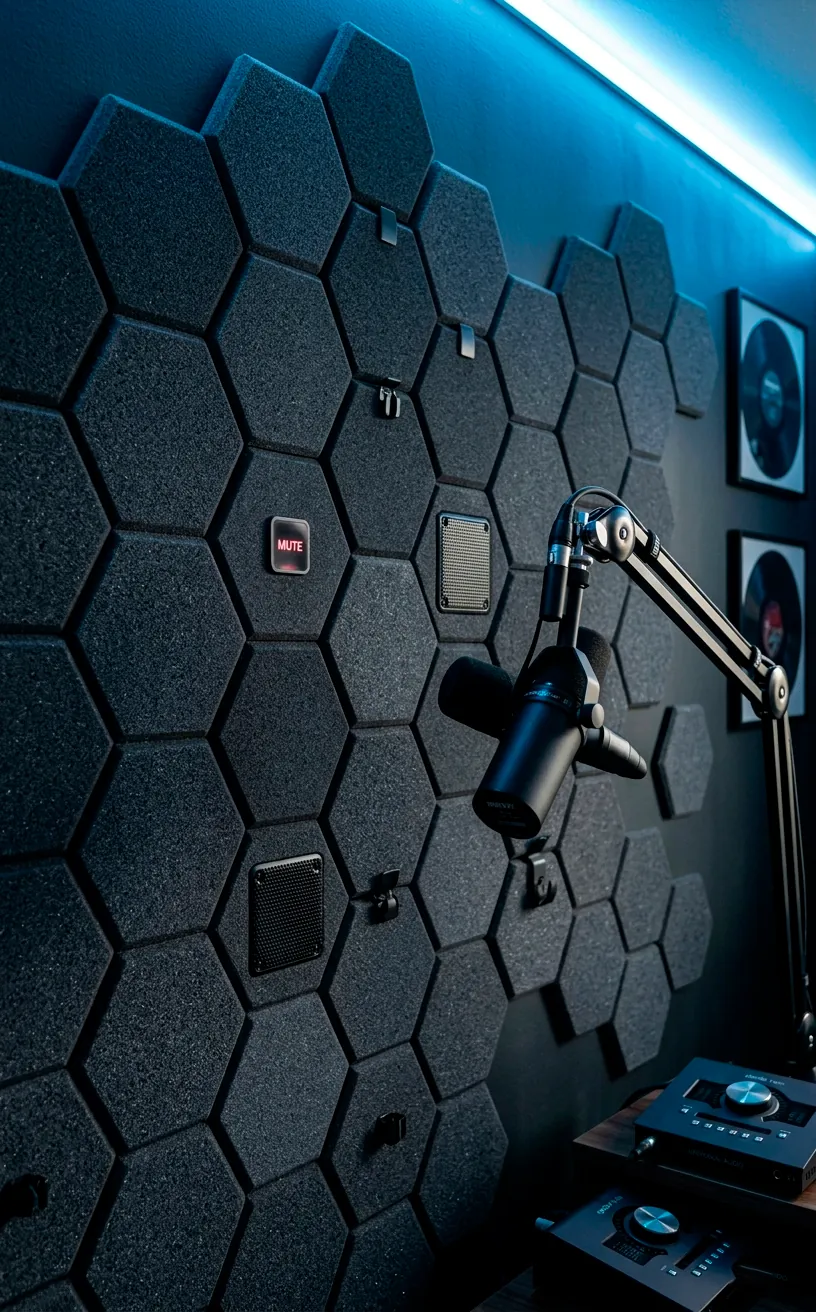
Next, look at your walls. Are they bare? That’s your problem. Hard surfaces bounce sound waves around like a pinball machine. You don’t need to turn your room into a padded cell, but some strategic acoustic treatment is mandatory.
Check out these fixes:
- Hang thick curtains over windows.
- Place a plush rug under your chair.
- Install geometric foam panels behind your monitors.
Ever wondered why top-tier creators sound so crisp? They treat their environment as much as they treat their gear. If you can’t afford fancy panels, even a bookshelf filled with actual books works as a decent sound diffuser. FYI, a cluttered room is actually better for audio than a minimalist empty one. Who knew being a bit messy was a technical advantage? 🎤
The Visual Backdrop: Setting the Stage
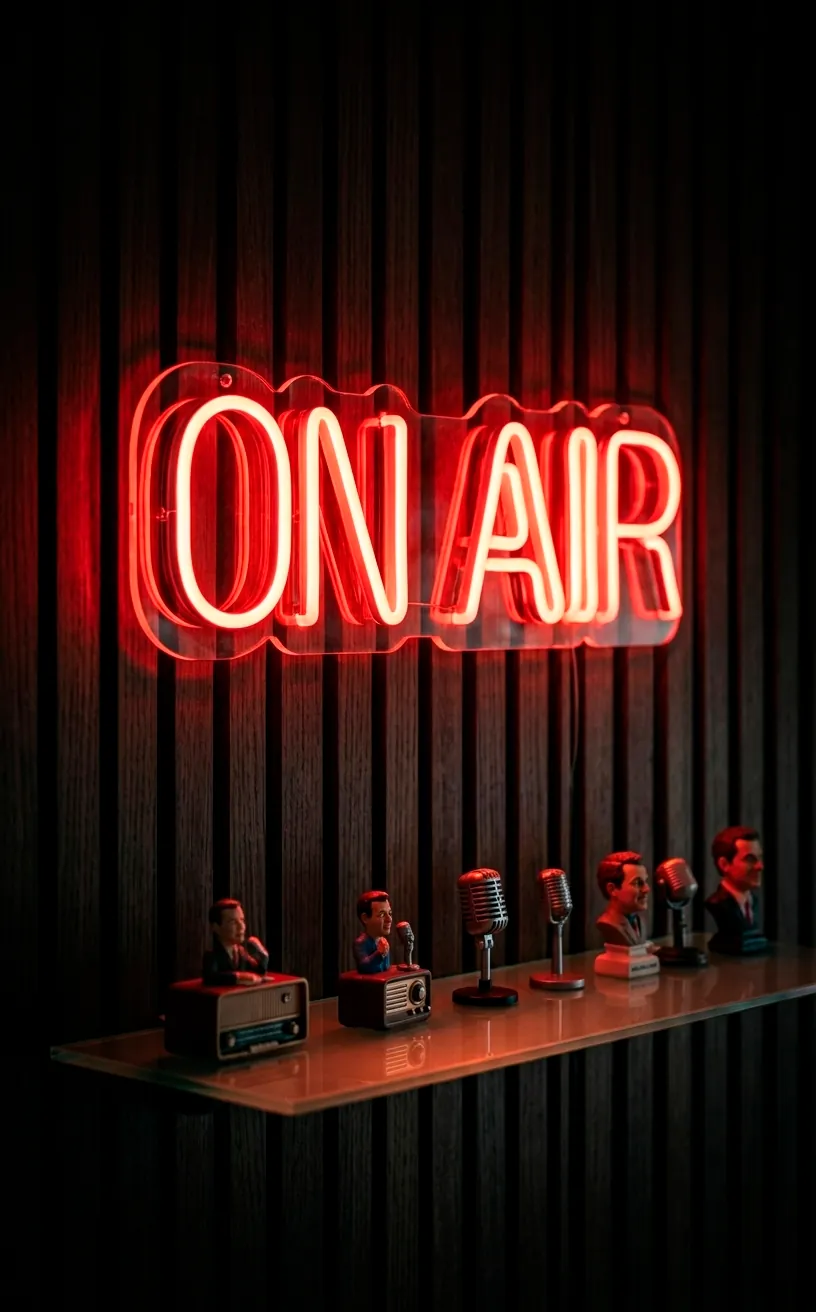
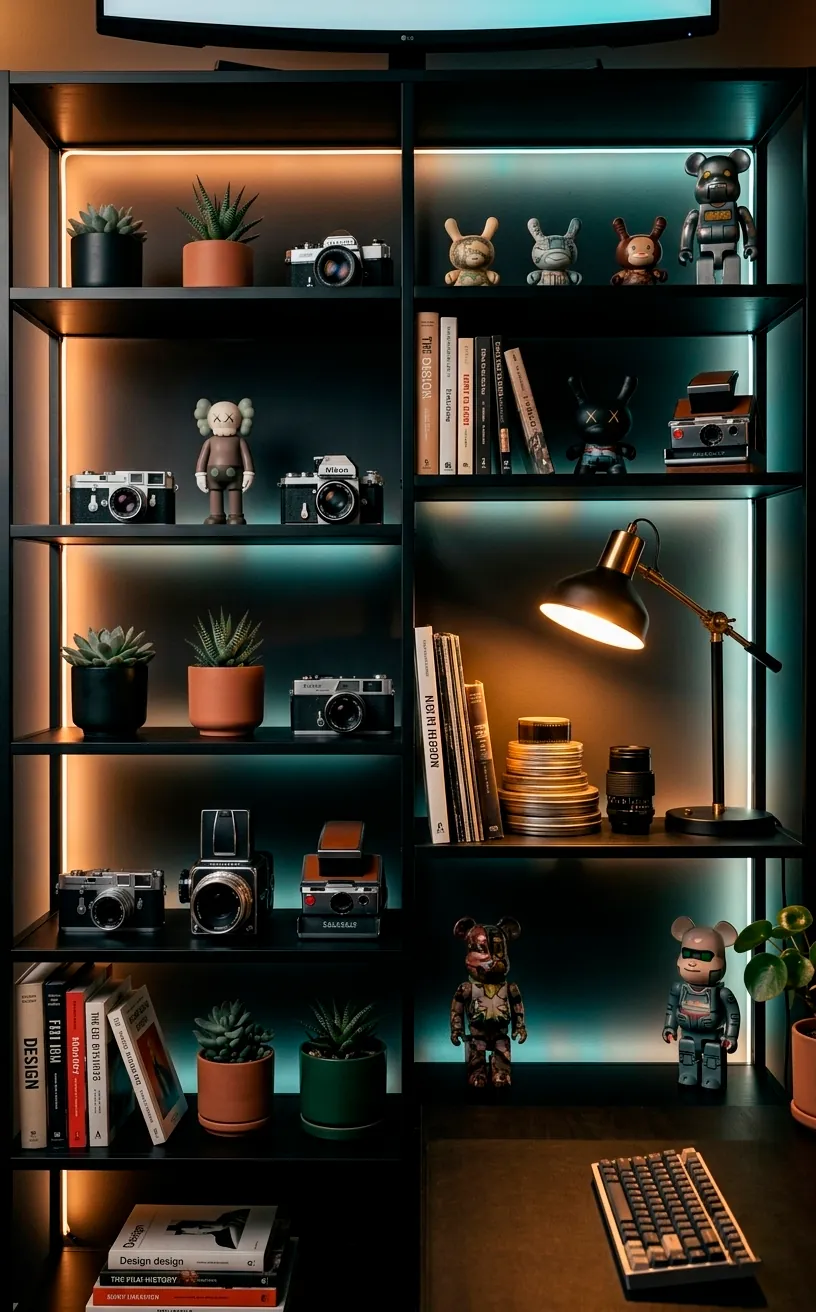
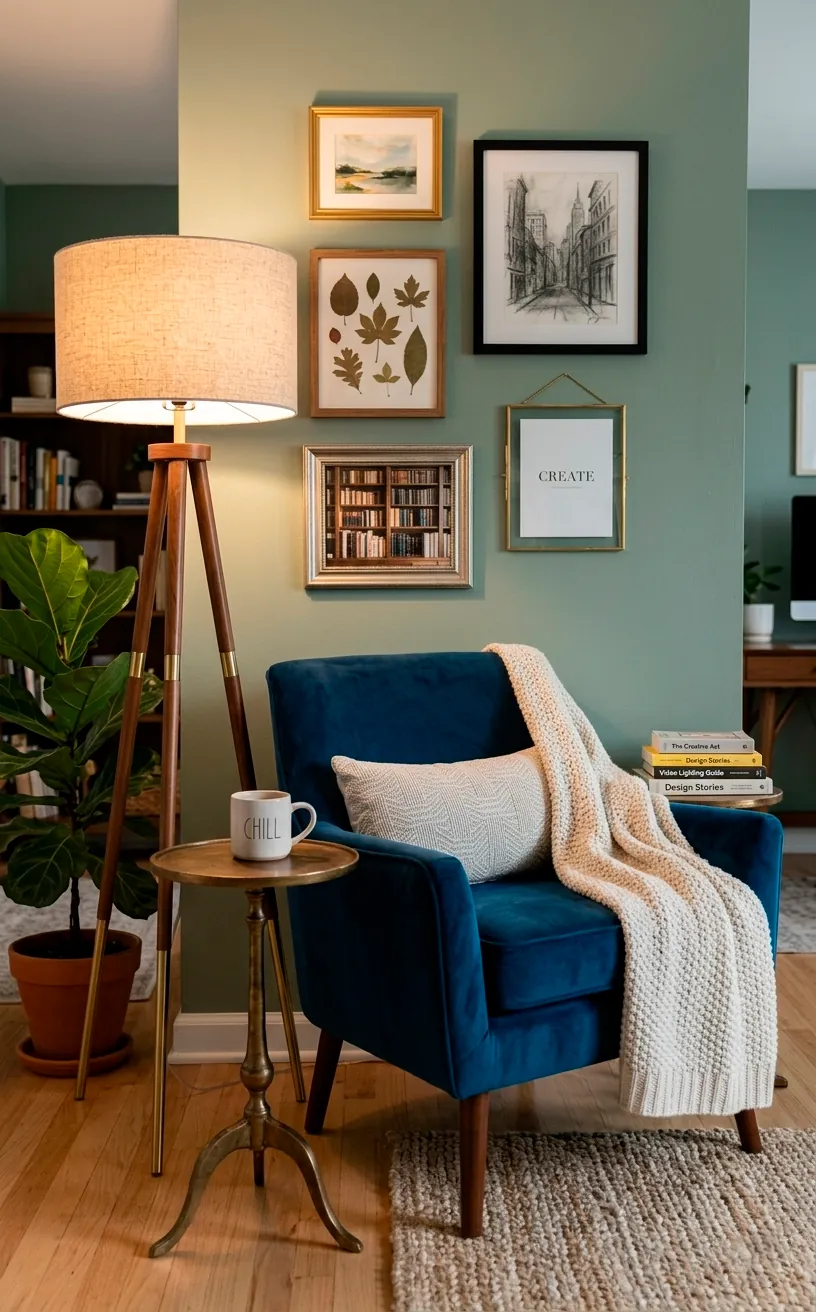
Your background is your brand’s calling card. If you’re just sitting in front of a white wall, you’re missing a huge opportunity to show some personality. I love using floating shelves to display collectibles, old tech, or even just some curated books. This gives your audience something to look at during those long loading screens.
Don’t forget the ‘depth’ factor. Placing a small lamp or an RGB strip in the far corner of the room creates a sense of space that makes your tiny office look like a massive studio. If you’re working in a tight spot, you might find some inspiration in this guide for smart guest room and office combos. It’s all about maximizing every square inch without making the frame look cluttered.
Taming the Cable Kraken
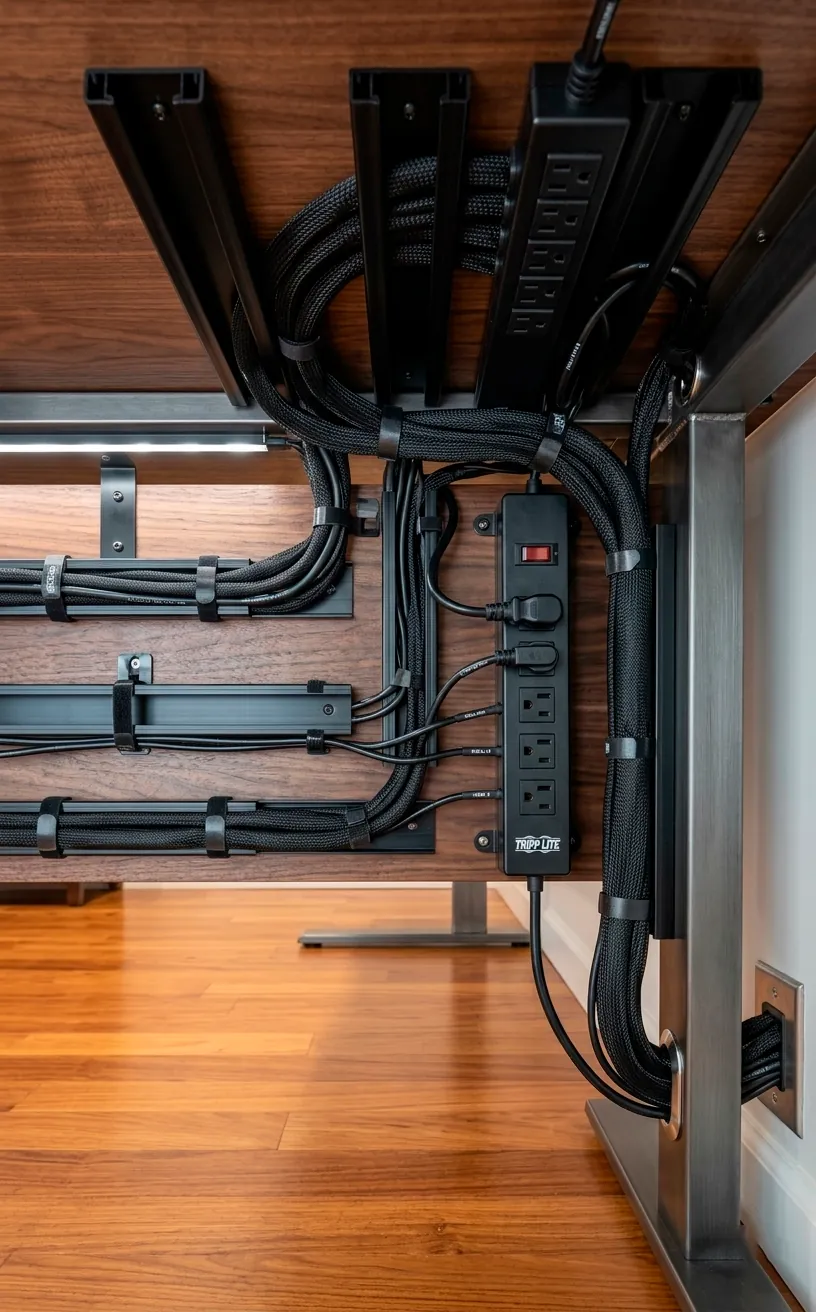
Nothing kills the ‘Paradise’ vibe faster than a tangled mess of black wires snaking across your floor. It’s a literal trip hazard and a visual nightmare.
I personally swear by J-channels and cable sleeves.
You can hide 90% of your sins just by mounting a power strip to the underside of your desk.
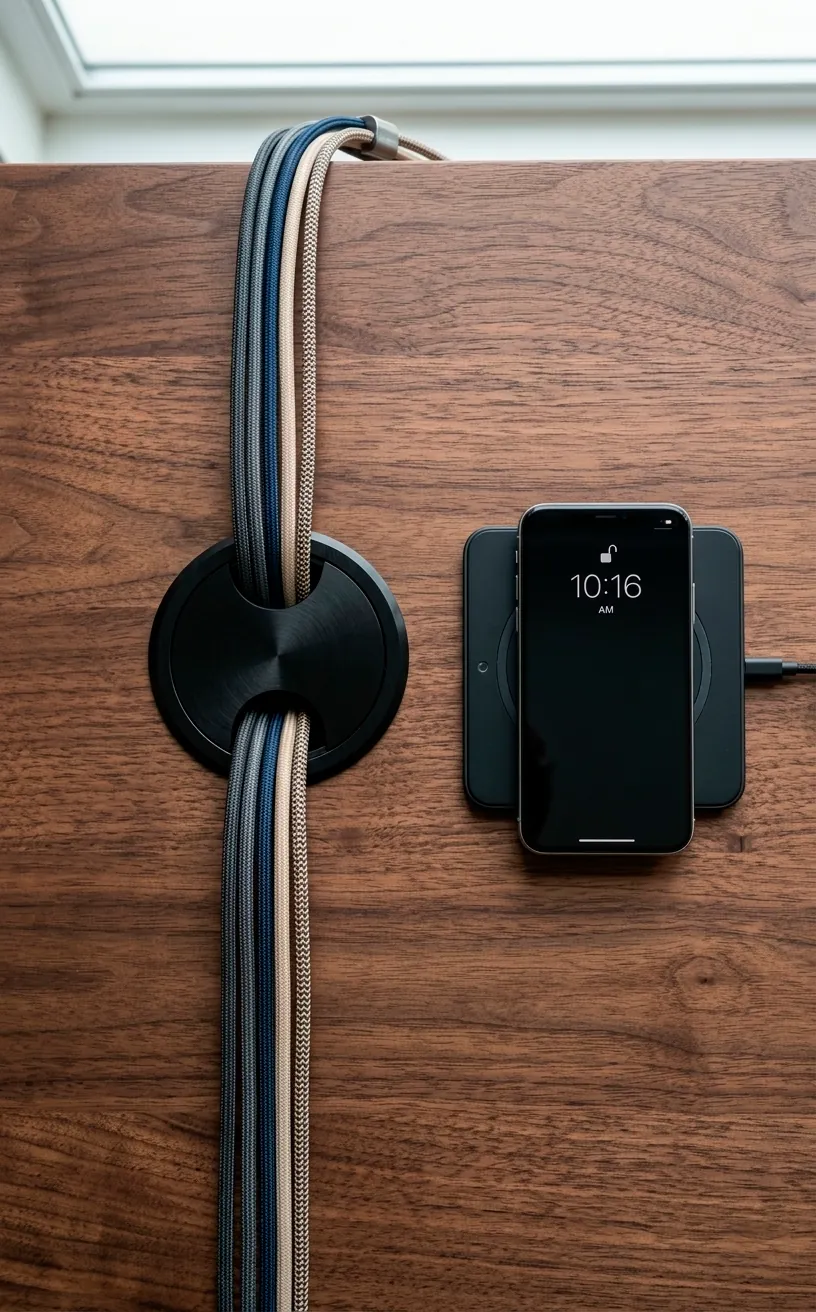
Seriously, spend the twenty bucks on a cable management kit. It’ll save your sanity when you inevitably have to swap out a peripheral. IMO, the goal is to have only one or two visible cables leaving the desk. Clean desk, clean mind, right? Or at least, clean enough to convince your viewers you have your life together. 🔌
The Throne: Ergonomics Over Aesthetics
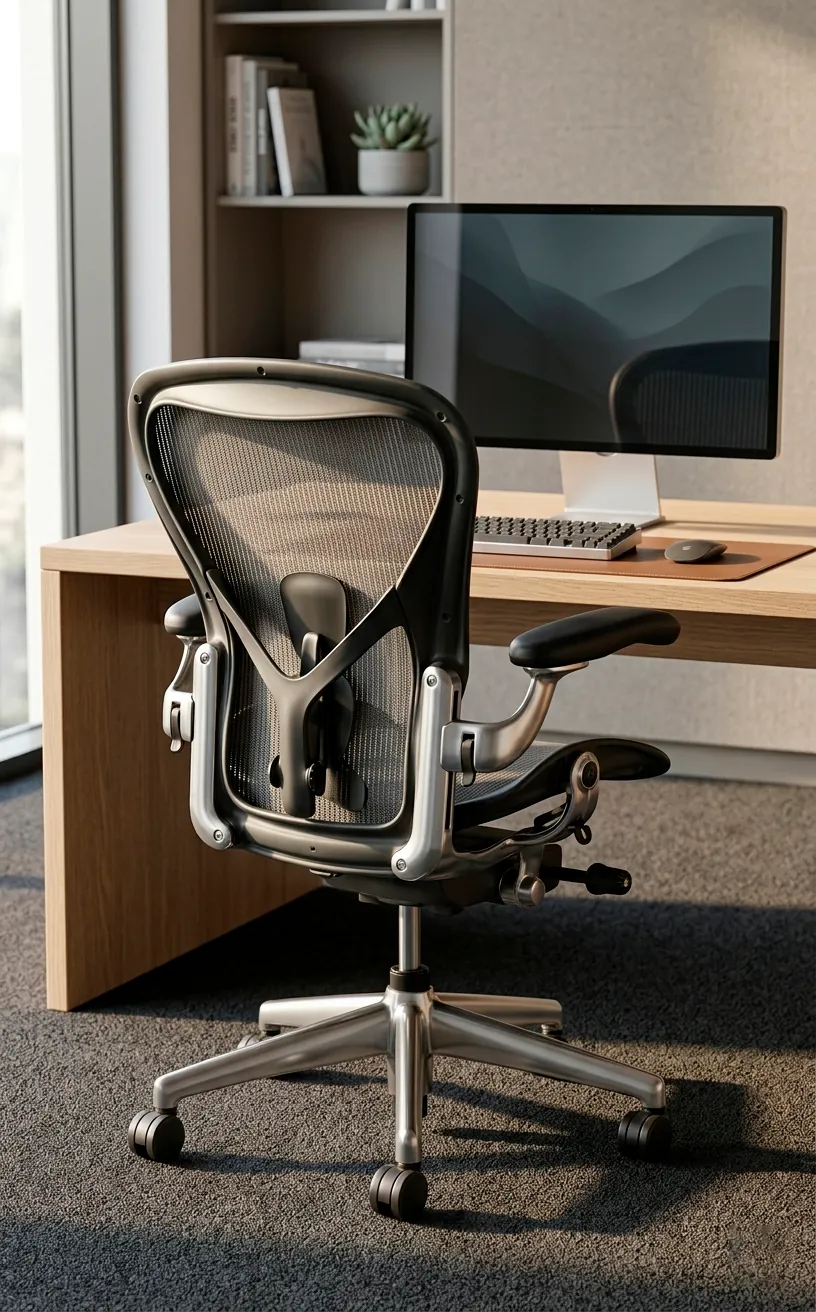
I know those flashy racing-style chairs look cool, but after four hours of streaming, your lower back will be screaming for mercy. Unless you want the spine of a Question Mark, invest in a high-quality ergonomic mesh chair. These chairs offer actual lumbar support and breathability, which is vital when those studio lights start heating up the room. Look for something with adjustable armrests—your wrists need to be at the same level as your keyboard to prevent carpal tunnel. Sarcasm aside, your health is the only part of your setup you can’t upgrade with a firmware patch, so don’t cheap out here. 🪑

Final Thoughts on Your Streamer’s Paradise
Building a content-ready office isn’t just about buying the most expensive gear; it’s about creating a space where you actually enjoy spending time. Focus on the lighting and audio first, then tackle the aesthetics and cable management as you go. Once you have a setup that works for you, the content will follow naturally. So, which part of your office are you upgrading first? Let me know in the comments and get to creating!
Related posts
See All15 Vintage Circus Inspired Details for Playful Kids Bedroom Decor
Bring the magic of the big top home! Discover 15 playful, vintage circus-inspired decor details that will transform your kid's …
Read moreThe Complete Guide to Styling a Dining Room Credenza for Everyday Elegance
Give your dining room credenza the ultimate glow-up. Discover easy, elegant styling tips that balance everyday function with show-stopping design.
Read more15 Dried Citrus and Cinnamon Garlands for a Naturally Cozy Kitchen
Forget mass-produced decorations. Transform your kitchen into a naturally cozy, aromatic sanctuary with these 15 beautiful dried citrus and cinnamon …
Read moreThe Dog-Friendly Camper: Designing a Van Interior for Your Pets
Transform your camper van into the ultimate dog-friendly adventure mobile! Discover clever interior design hacks, durable materials, and cozy setups …
Read more